// 02 FIELD TOOLS
bryce
Bryce 3D's landscape tools, rebuilt from scratch for the browser. Click Terrain and a fractal mountain appears; add water, stones, lattices, primitives and lights; sculpt the mountain in the Terrain Editor; dress everything in the Materials Lab; set the sun, haze, fog and clouds in Sky & Fog; then render. The renderer is a ray tracer written in Rust and compiled to WebAssembly, about 350 KB, running in one Web Worker per core and drawing in progressive passes. Every control describes itself in the text display when you hover it, and ? Guide explains every tool. Twelve example scenes open from the File menu.
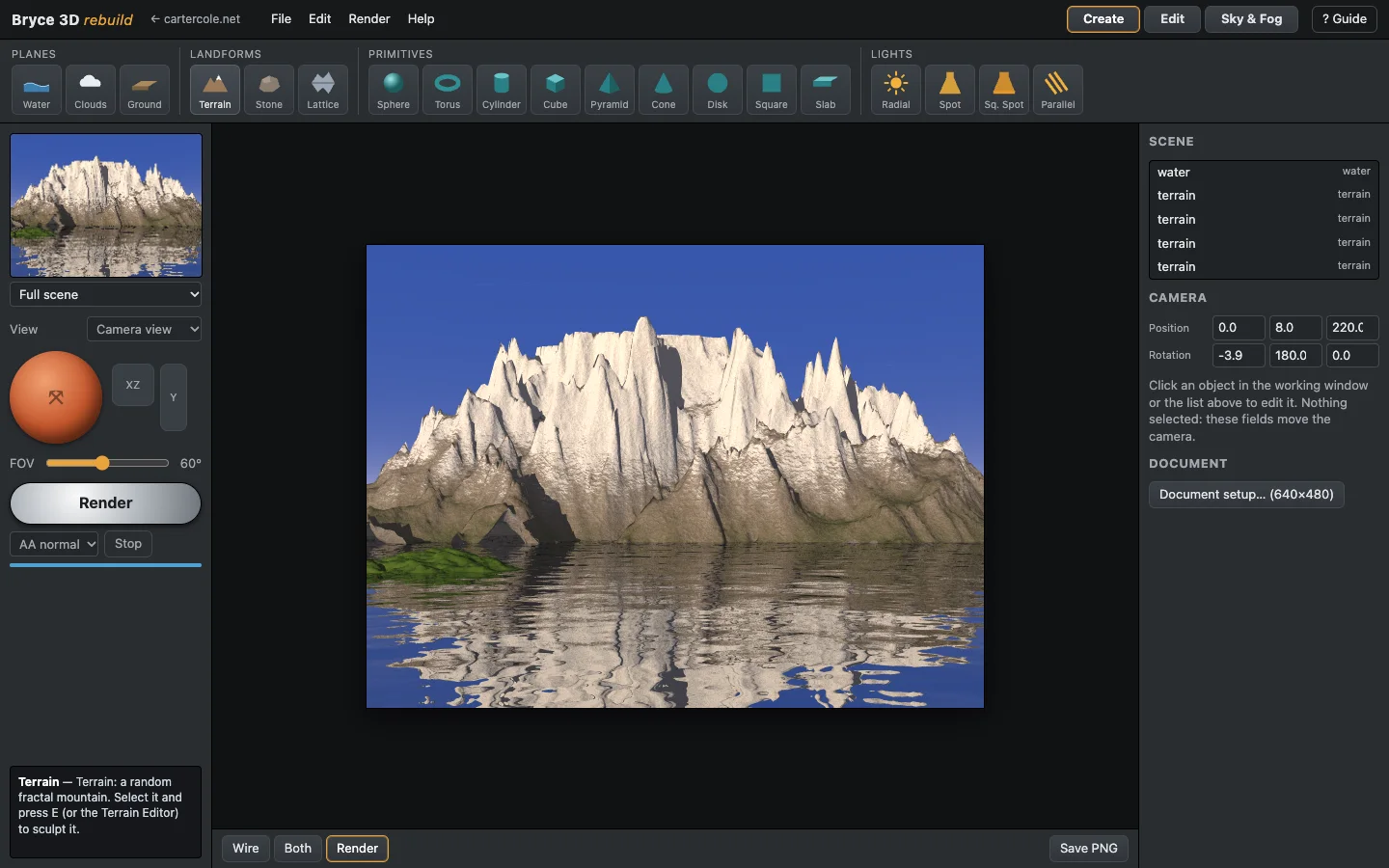 01 The editor, with Glacier Lake rendered
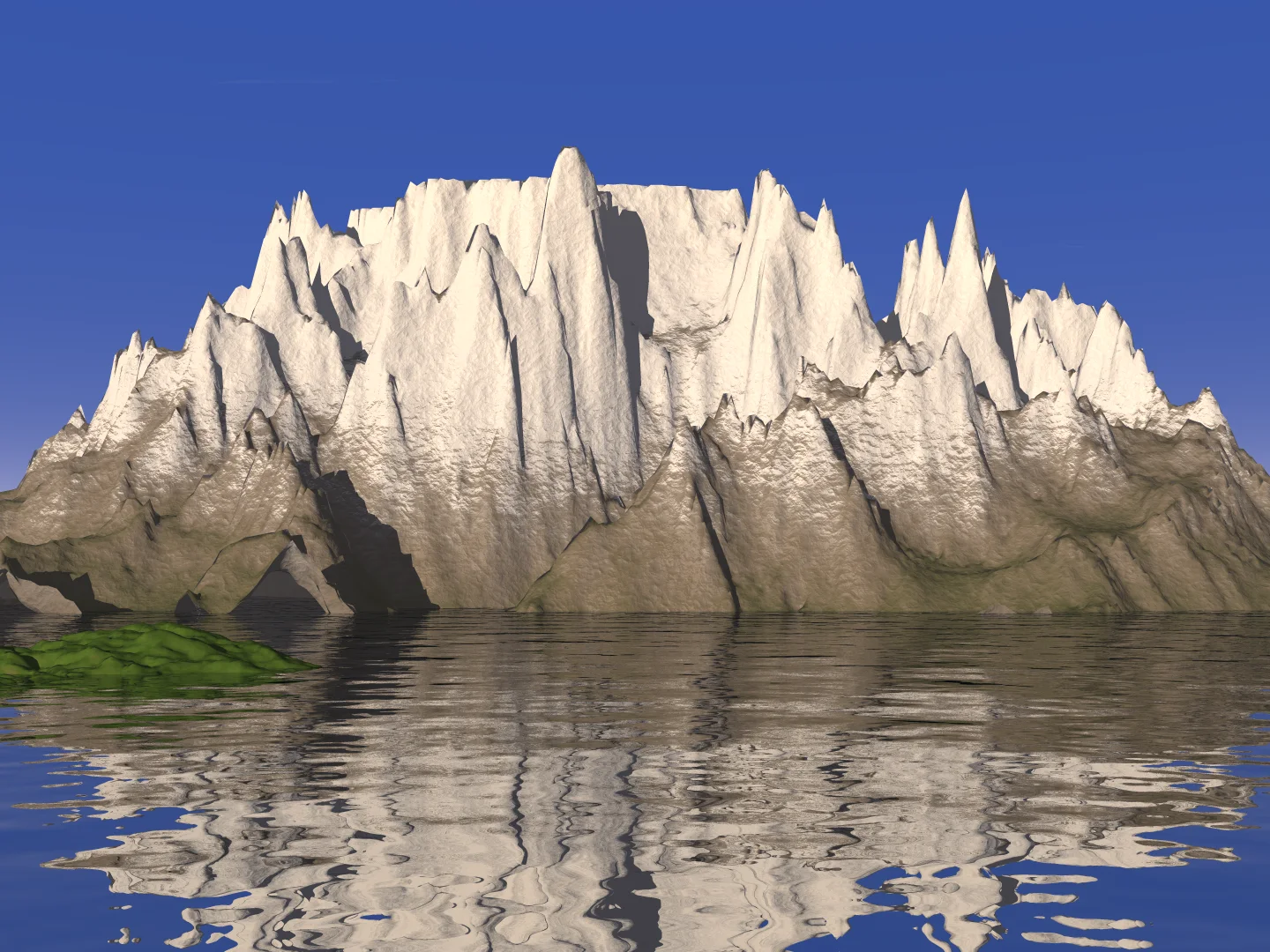 02 Glacier Lake, rendered at 1440 x 1080 in the browser
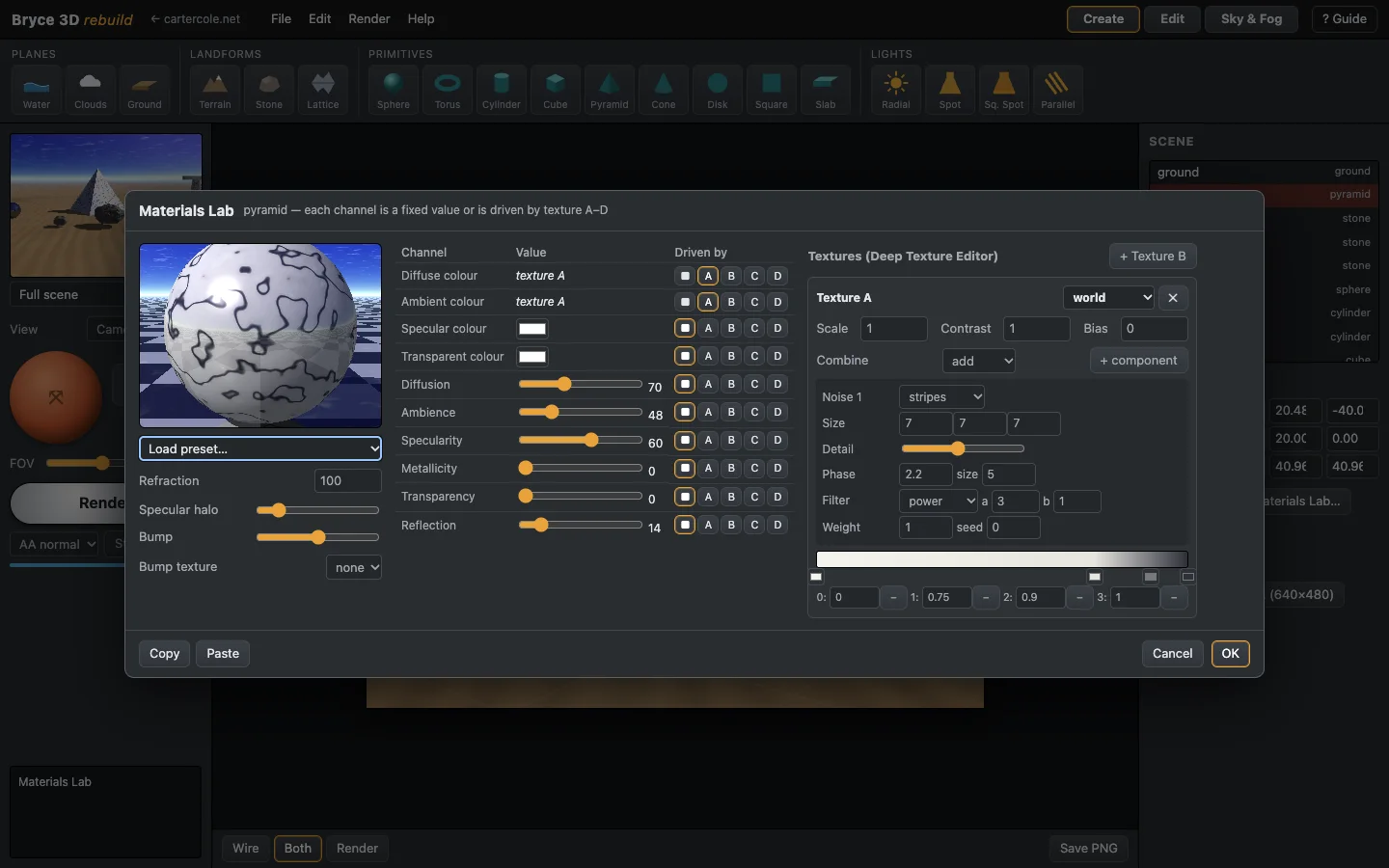 03 The Materials Lab: each channel a value or a texture
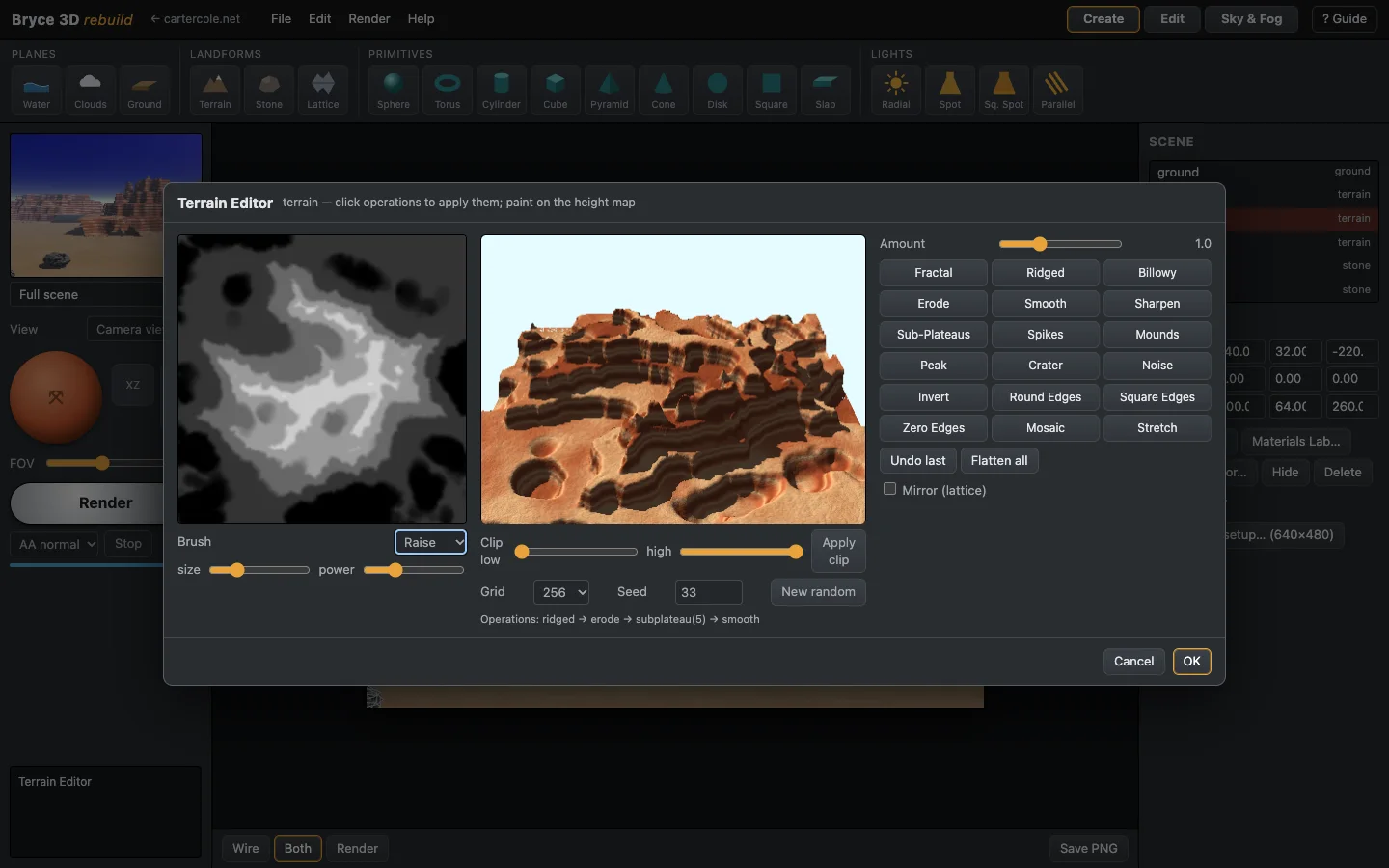 04 The Terrain Editor on a Canyonlands mesa
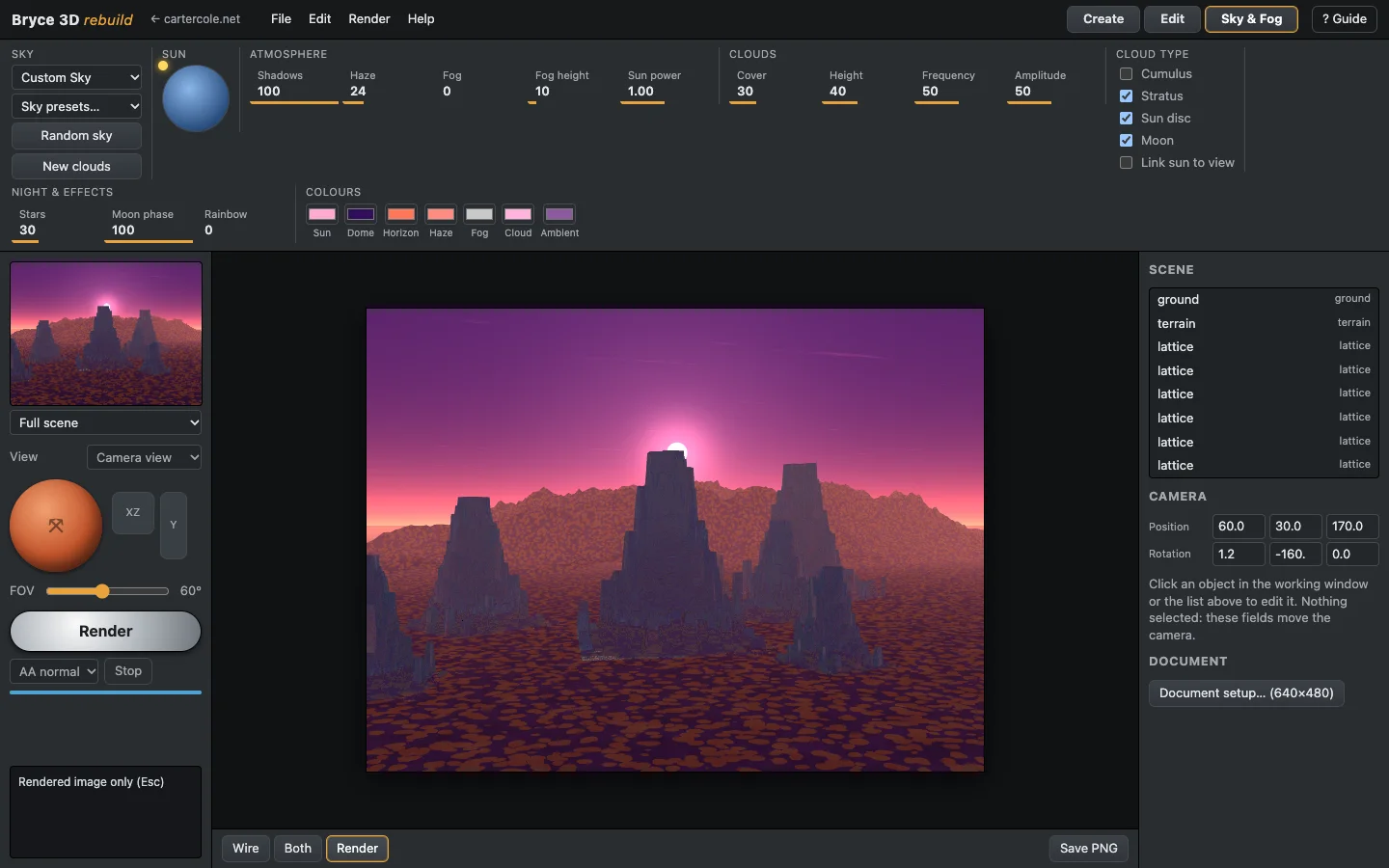 05 Sky & Fog, over Crystal Garden
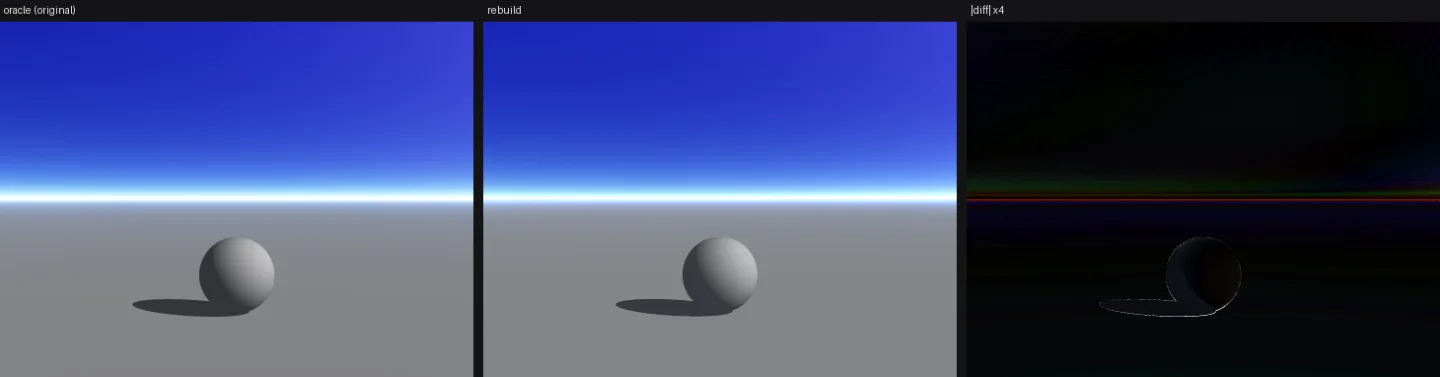 06 The original's render, the rebuild's, and their difference x4
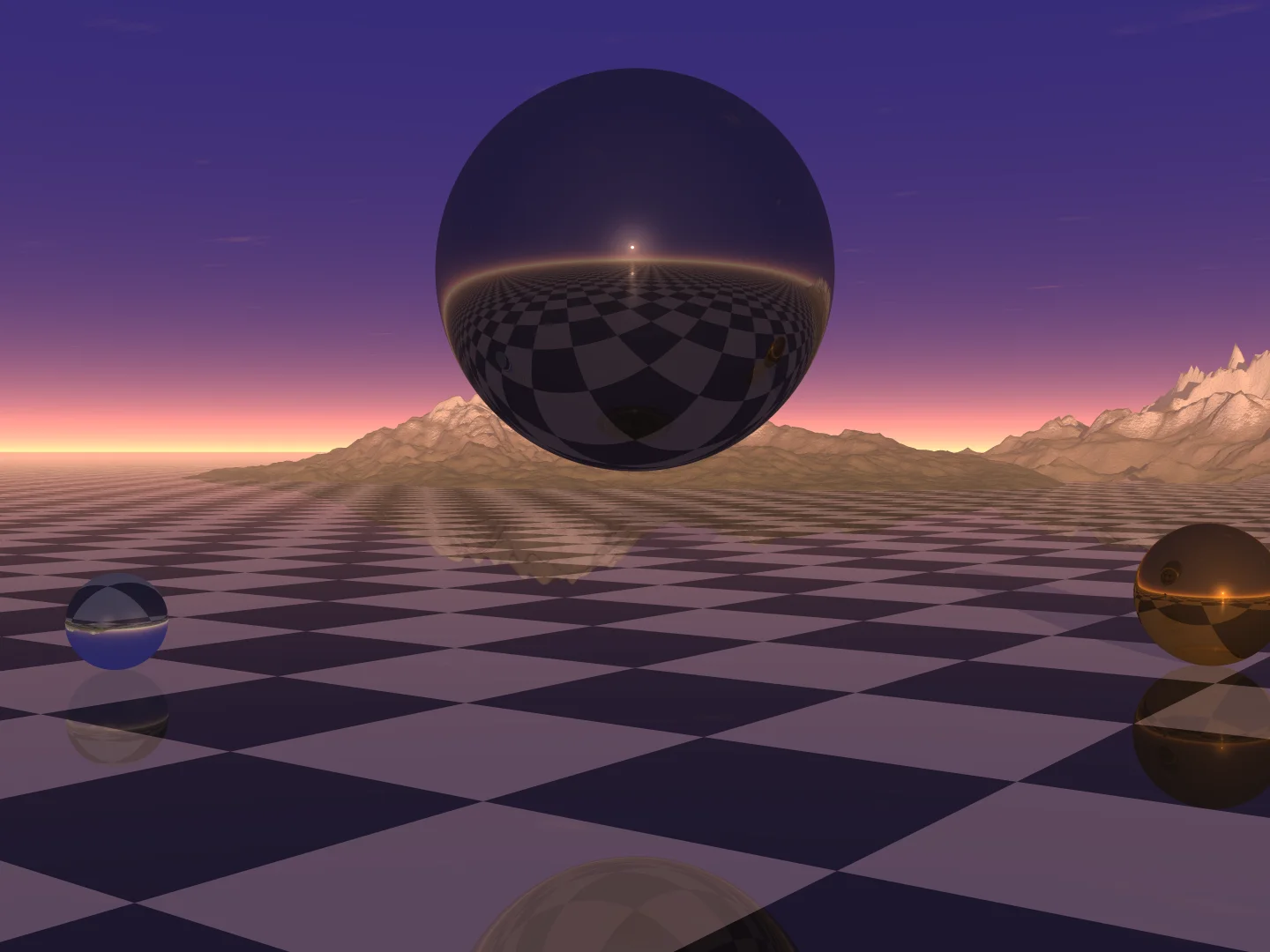 07 Chrome Sentinel
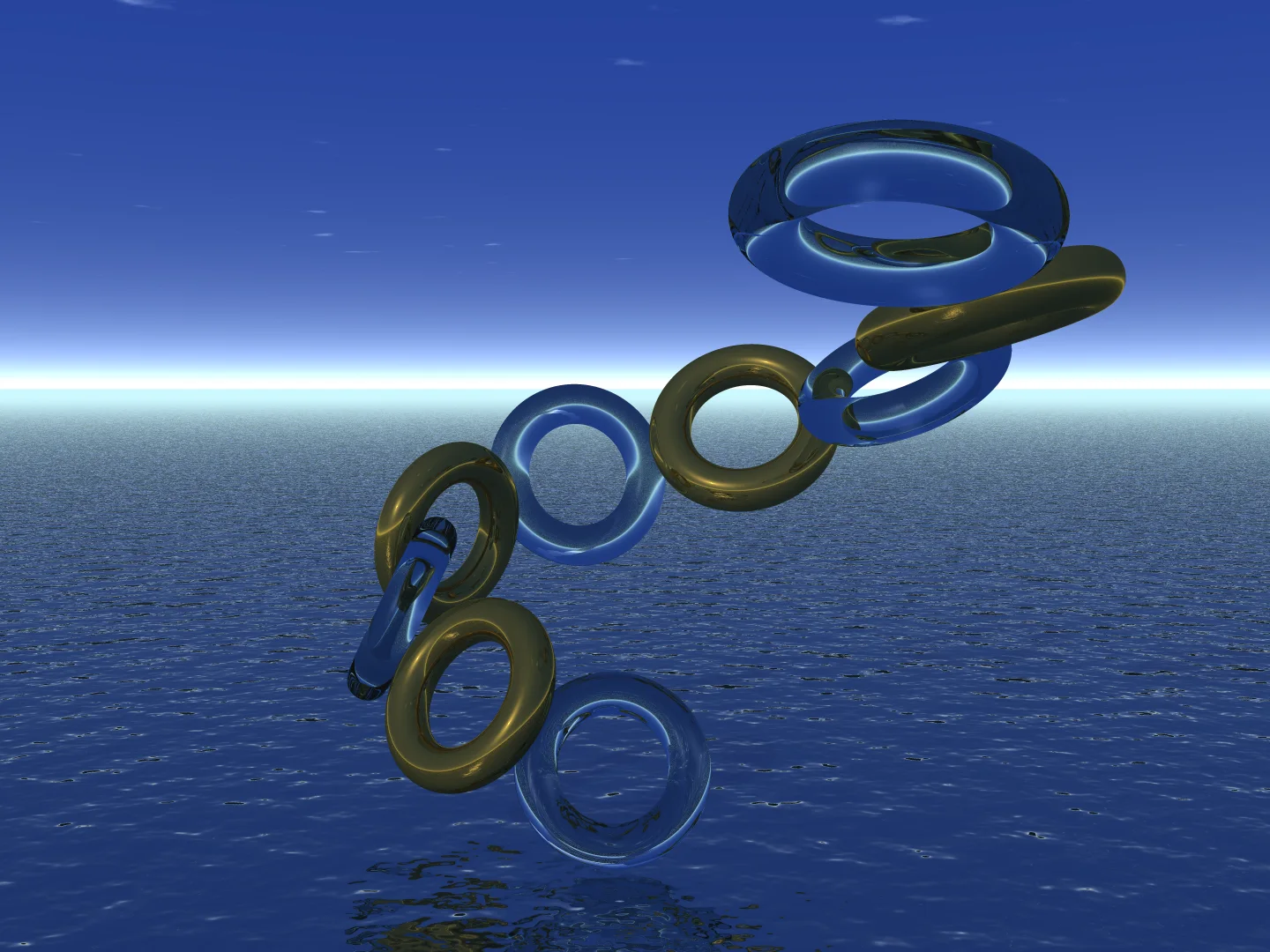 08 Torus Ballet
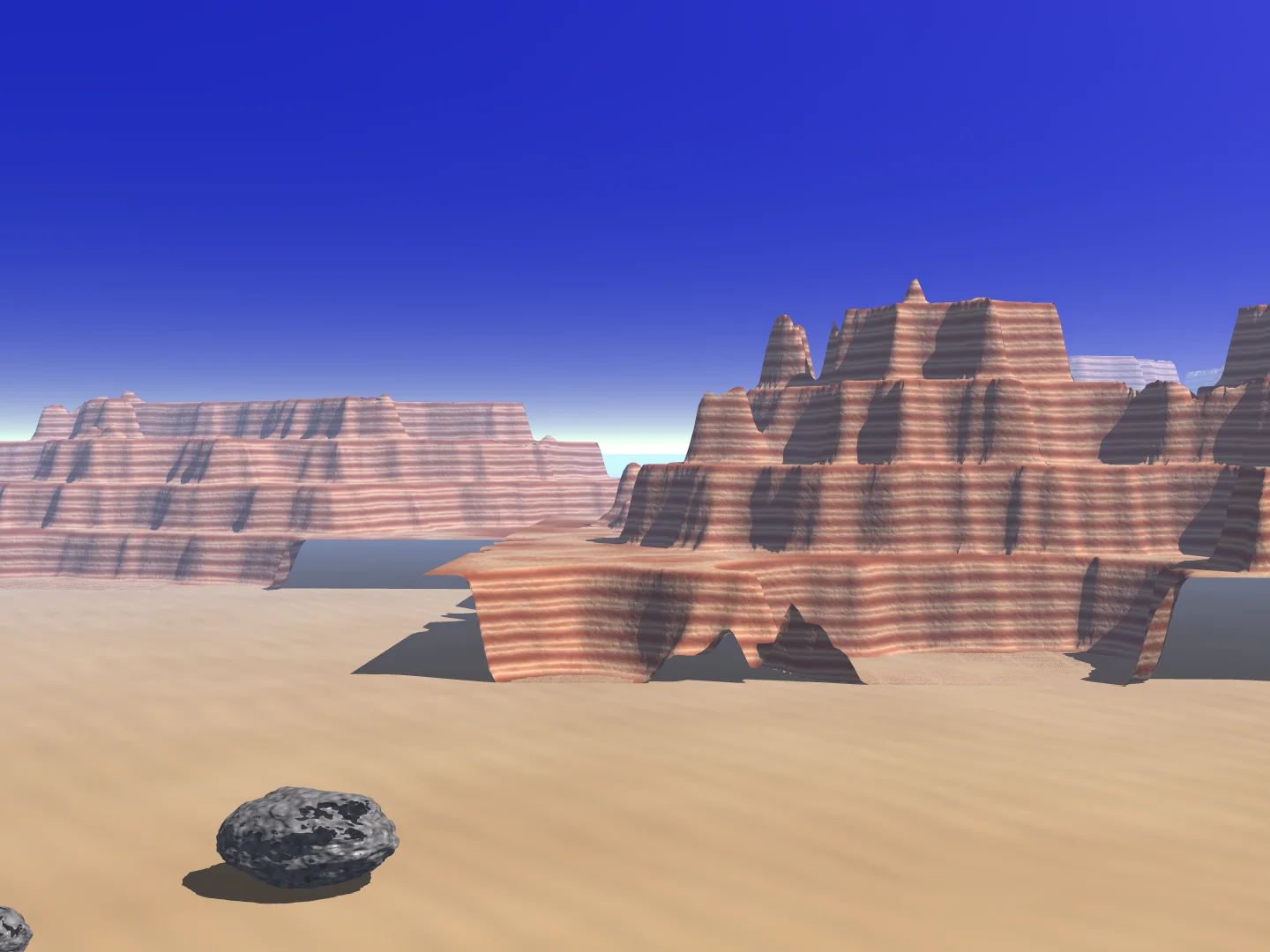 09 Canyonlands
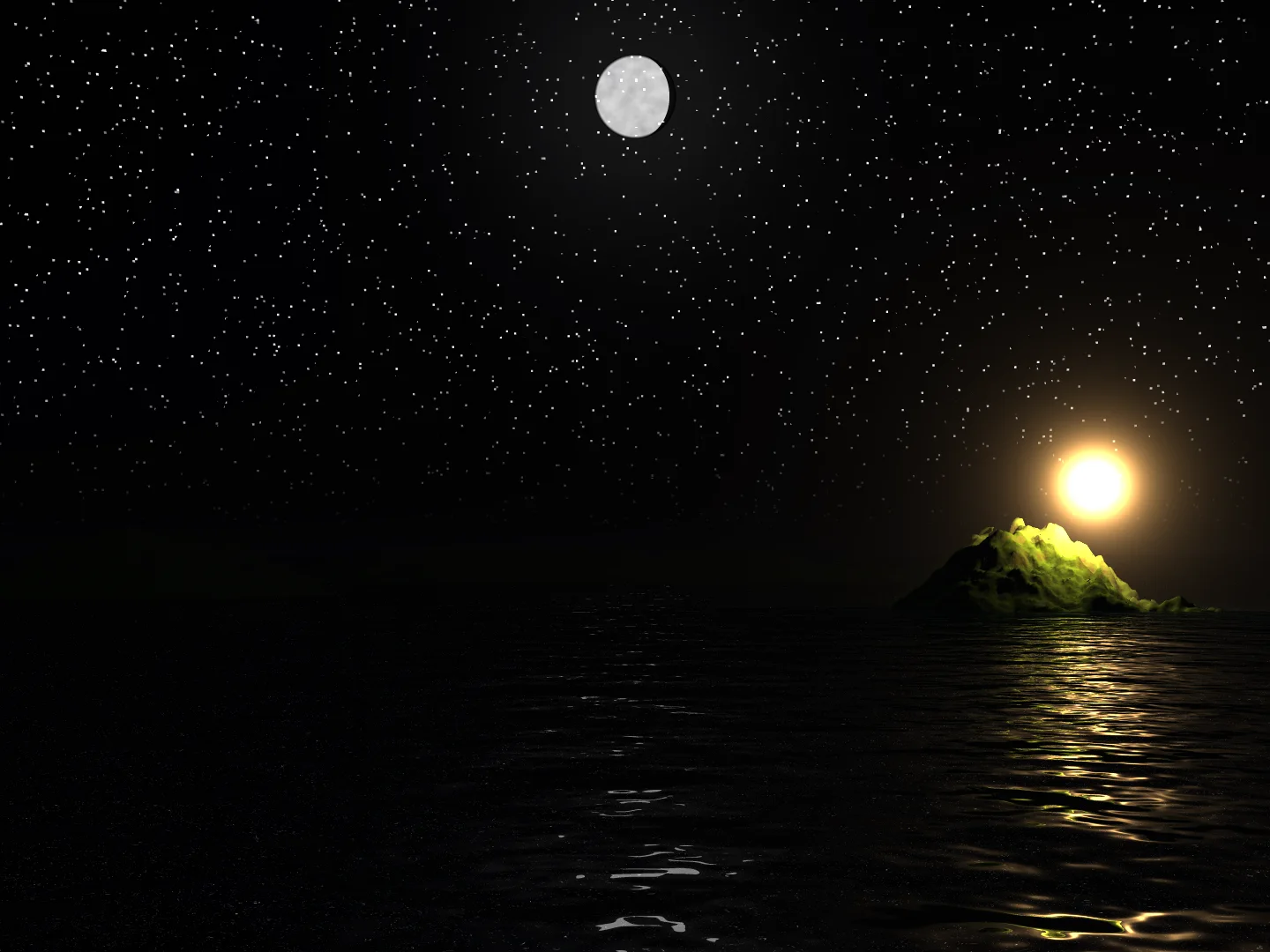 10 Moonrise Archipelago
How it works
The editor is plain JavaScript with the original's layout: the Create, Edit and Sky & Fog palettes, a working window with wireframe and render modes, a nano preview, the camera trackball and the cross controls. Nothing in it is copied from the original program; it was written from the user guide and from measurements of the original's behaviour.
The engine is one Rust crate with no bindings library. It exports a handful of C functions, and the same code builds as a native command-line renderer for large pictures. Terrains are height fields traced with a two-level grid walk; stones and the torus are distance fields; the rest are analytic shapes. Each material channel (diffuse, ambient, specular and transparent colour, diffusion, ambience, specularity, metallicity, transparency, reflection, refraction and bump) is either a fixed value or driven by one of four procedural textures, built from layered noises with filters and a colour gradient. Antialiasing is off, adaptive (up to nine rays a pixel) or Fine Art (sixteen).
Checked against the original
To know what "the same as Bryce" means, the original Bryce 3D (MetaCreations, 1997) was installed from its CD on Mac OS 8.6, running on SheepShaver compiled to WebAssembly by the Infinite Mac project, and used as an answer key. Object sizes, the default camera, the field of view's scale, the default sun and the default material were read off its dialogs and renders. The default soft sky was fitted to every pixel of its render with a root-mean-square error of 1.6 out of 255, and the haze to its ground. The rebuild's render of the default scene matches the original's at 40.3 dB PSNR, and of the default sphere at 39.5 dB: a root-mean-square error under 3 out of 255.
Stated honestly
This is an unofficial rebuild. Bryce now belongs to Daz 3D, which has nothing to do with it. Only the defaults have been measured against the original so far: clouds, the Darker and Custom skies, how the sky changes as the sun sets, the Materials Lab beyond the default grey, and the Terrain Editor's operations are modelled, not matched. Its noises are its own, so a texture or a random terrain looks like the original's in kind but not pixel for pixel. There is no animation, no import of models, and booleans only subtract. Thin bright specks can show where a terrain's edge meets the ground. Scenes save as JSON, not as the original's files. The emulated original stays on my machine, because Mac OS and the Bryce CD are not mine to publish. It is laid out for a desktop-sized window, and it runs entirely in your browser: your scenes are kept there and never uploaded. The source is not public, so there is no repository to link.